
TeamUpdraft Review: UpdraftCentral Keys Breach Highlights Supply-Chain Risks for WordPress Sites
In short
The October 2026 breach of teamupdraft.com exposed connection keys that attackers used to install backdoors on an estimated 400,000 WordPress sites running UpdraftPlus.
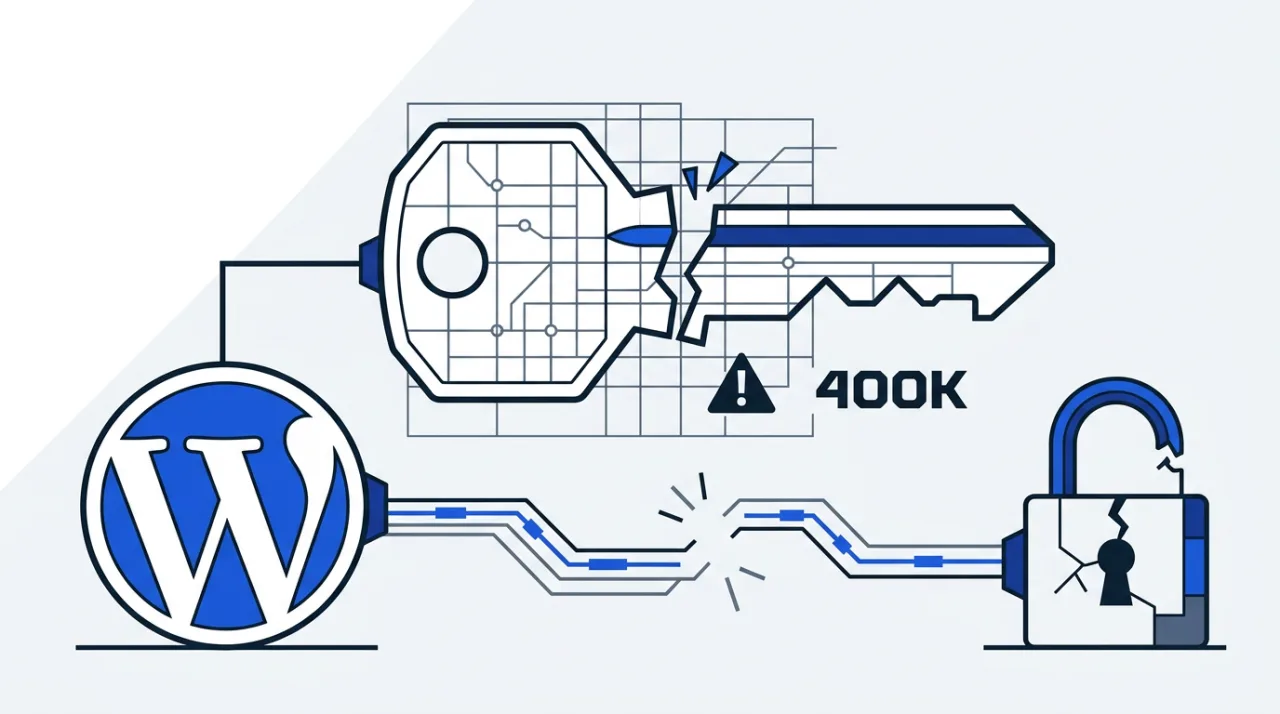
The October 2026 compromise of teamupdraft.com allowed attackers to obtain UpdraftCentral cloud connection keys, which were then used to push malicious plugins onto WordPress sites. No code vulnerability in the UpdraftPlus plugin itself was involved. The incident instead exposed how stored credentials can turn a backup and migration tool into a supply-chain vector.
Timeline and Technical Details of the UpdraftPlus Breach
Unauthorized access to teamupdraft.com occurred over the weekend of 17–18 October 2026. The company detected the intrusion quickly and published its first advisory on 19 October, with updates continuing through 21 October. Attackers leveraged the stolen keys to issue signed remote commands such as plugin.upload_plugin through the UpdraftPlus client on affected sites.
Patchstack telemetry recorded the first backdoor installations at approximately 15:32 UTC on 18 October, with activity continuing until at least 09:23 UTC on 19 October. Emergency releases of UpdraftPlus versions 1.26.12/2.26.12 and corrected 1.26.13/2.26.13 revoked keys created before 22:00 BST on 18 October. Self-hosted UpdraftCentral instances and direct plugin downloads remained unaffected.
The company reported the incident to the UK Information Commissioner’s Office and engaged an external cybersecurity firm. It also locked accounts, signed out all sessions, and replaced credentials for UpdraftVault and UpdraftClone services.
Scope of Exposure and Observed Attacks
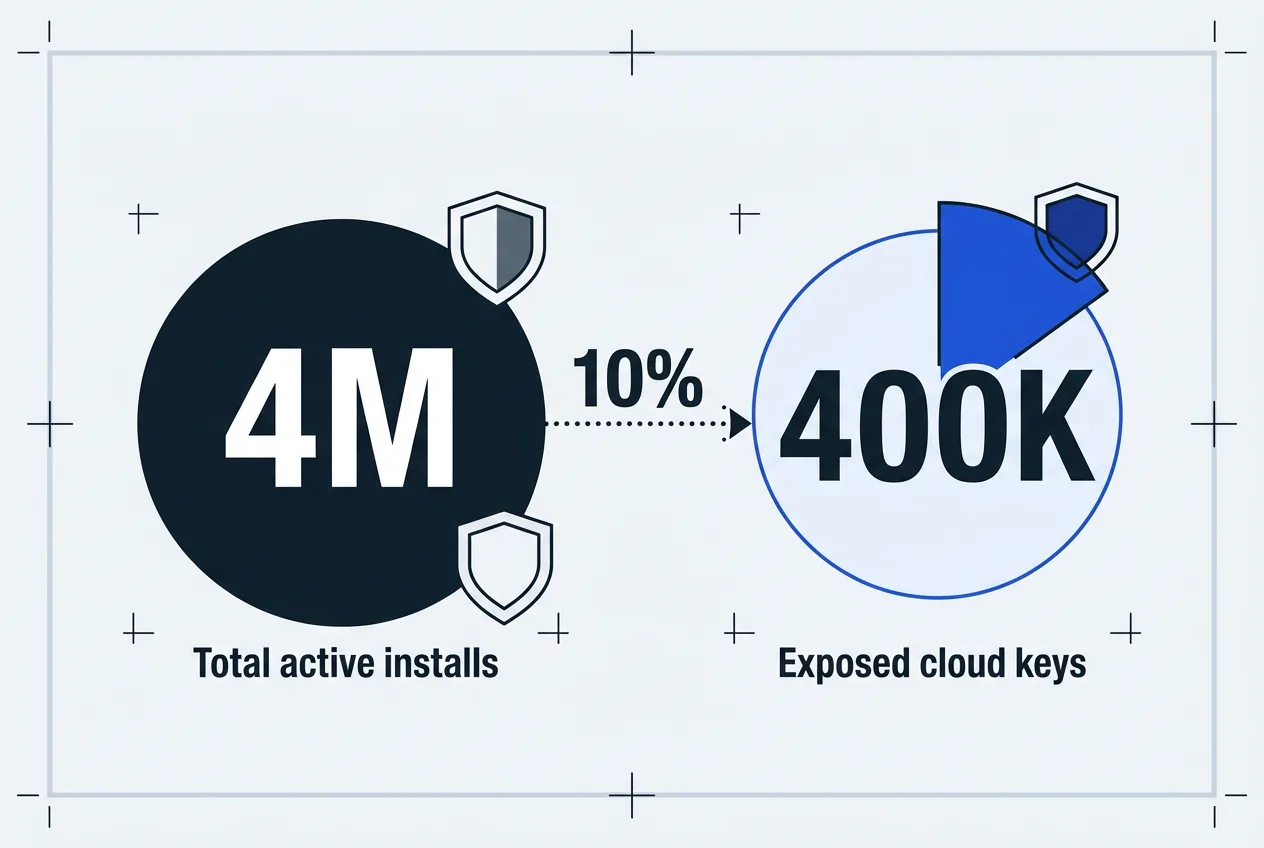
UpdraftPlus maintains more than four million active installations. Roughly ten percent of those sites hold active UpdraftCentral or Migrator keys, placing an estimated 400,000 sites at potential risk. Many keys were created automatically when users logged into TeamUpdraft accounts because the option was enabled by default and keys do not expire automatically.
Attackers deployed at least 99 distinct backdoor plugin names, often disguised with descriptions such as “Small maintenance toolkit: keeps option storage tidy.” The backdoors created hidden Editor-role accounts possessing manage_options and install_plugins capabilities along with cookie-based login bypass mechanisms. Some sites encountered fatal errors from poorly coded backdoors. Two attacker IP addresses observed were 43.250.53.42 and 2a09:bac5:4e21:2e3c::49b:9.
| Component | Status After Incident | User Action Required |
|---|---|---|
| UpdraftCentral cloud keys | Revoked in plugin updates | Delete existing keys manually |
| UpdraftVault connections | Disconnected by vendor | Reconnect with new credentials |
| UpdraftClone keys | Replaced by vendor | Verify new keys in dashboard |
| Self-hosted UpdraftCentral | Unaffected | No immediate change needed |
Recommended Steps for Site Owners
Site administrators who used UpdraftCentral cloud keys should first update to the latest UpdraftPlus release. Next, log directly into the WordPress dashboard and navigate to Settings > UpdraftPlus > Advanced Tools > UpdraftCentral to delete all stored keys. Review the plugins list, including must-use plugins, and remove any unrecognized entries. Check the Users section for unknown Editor or Administrator accounts that possess elevated capabilities beyond normal requirements.
Administrators should also change all WordPress passwords and consider restoring a backup created before 17 October if suspicious activity is found. Users of UpdraftVault or UpdraftClone must reconnect those services with fresh credentials. Free users without a TeamUpdraft account face lower exposure but should still keep the plugin updated.
TeamUpdraft continues monitoring and investigation. Because backdoors may remain after key revocation, every site that held an UpdraftCentral key requires manual inspection. Official advisories on teamupdraft.com remain the primary source for further updates.
Frequently asked questions
Is TeamUpdraft legit after the October 2026 incident?
TeamUpdraft continues to operate its services and has published detailed advisories and remediation steps. The company reported the incident to authorities and released plugin updates to revoke compromised keys.
How did attackers use UpdraftCentral keys on WordPress sites?
Stolen keys allowed signed remote commands to be sent through the UpdraftPlus client. Sites executed the commands because the keys were treated as legitimate, resulting in backdoor plugin installations.
What should WordPress site owners check first after the UpdraftPlus breach?
Update the plugin immediately, delete stored UpdraftCentral keys through the dashboard, scan for unknown plugins and user accounts, and change administrative passwords.
Did the breach affect all UpdraftPlus users?
Only sites with active UpdraftCentral or Migrator cloud keys were directly exposed. Self-hosted instances and users without TeamUpdraft accounts faced minimal risk.
TrustScope
Comments 1