
LiteLLM Security Review: 1.107.0 Malicious Release and Supply-Chain Risks
In short
LiteLLM 1.107.0 was compromised on PyPI and Docker for two hours in October 2026, delivering a credential stealer that targeted cloud keys and AI tokens.
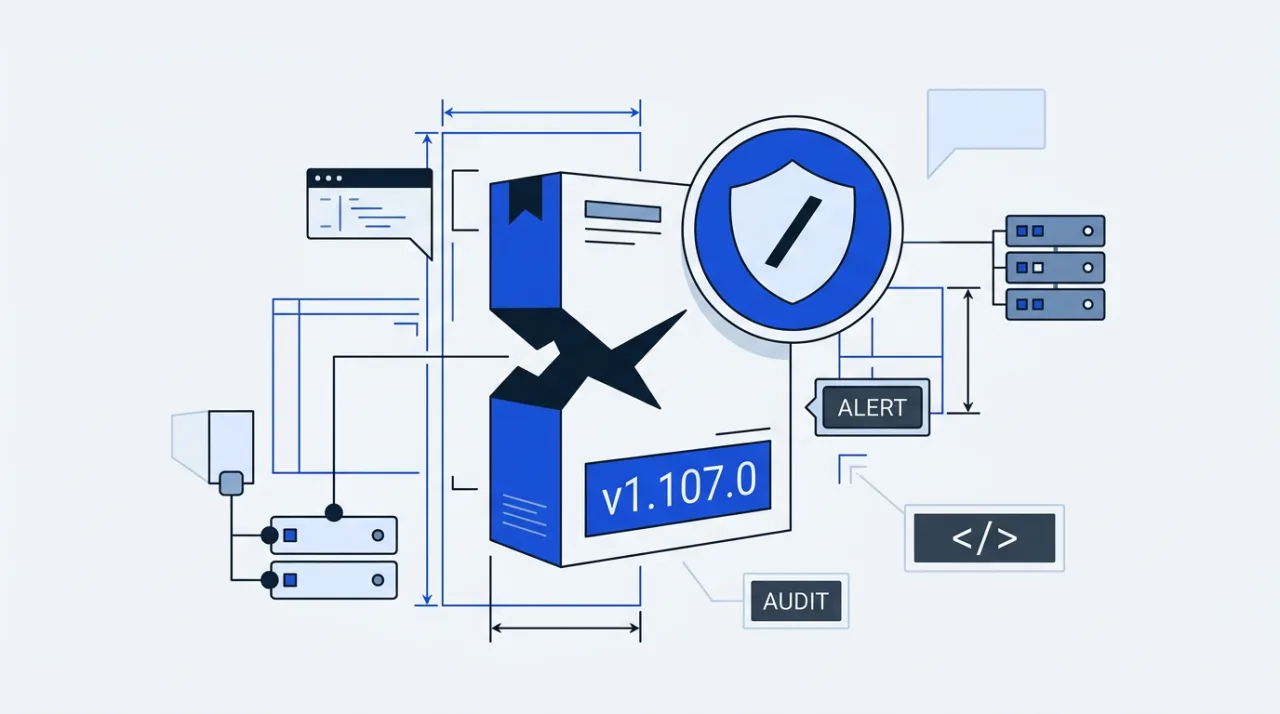
LiteLLM version 1.107.0 contained malicious code published to PyPI and official Docker images on October 21, 2026. The release remained available for roughly two hours and delivered a credential-stealing payload that activated on any Python interpreter start.
Users who installed the version during that window risk exposure of browser data, SSH keys, cloud credentials, and provider tokens. Official response included removal of the tainted artifacts and revocation of the compromised tokens.
LiteLLM PyPI Incident Details
The malicious package was uploaded to PyPI at approximately 11:39 UTC and remained live until 13:23 UTC. Docker images tagged v1.107.0, latest, main-latest, and main-stable were affected between 11:46 UTC and 14:20 UTC. The package reached an estimated 49,000 downloads before quarantine.
Three files formed the payload: cook.pth, cook.py, and sitecustomize.py. These files executed automatically through Python site hooks without any import of the LiteLLM library. cook.py collected environment variables, configuration files, and stored credentials, then exfiltrated them over AES-256 and RSA-4096 encryption to the domain litellm.dev.
Targeted data included AWS, GCP, and Azure instance metadata, Kubernetes secrets, Docker and Vault credentials, Git and PyPI tokens, and keys from AI coding assistants such as Claude and Copilot. No CVE was assigned because the issue originated from the release pipeline rather than a code vulnerability in the library itself.
Attack Chain and Root Cause
Investigators traced the compromise to an administrative key for an internal experimental platform that was committed to a public repository on May 27, 2026, and never revoked. On October 10, the attacker leveraged that key to obtain a GitHub organization owner token. Subsequent CI workflow access yielded additional maintainer tokens.
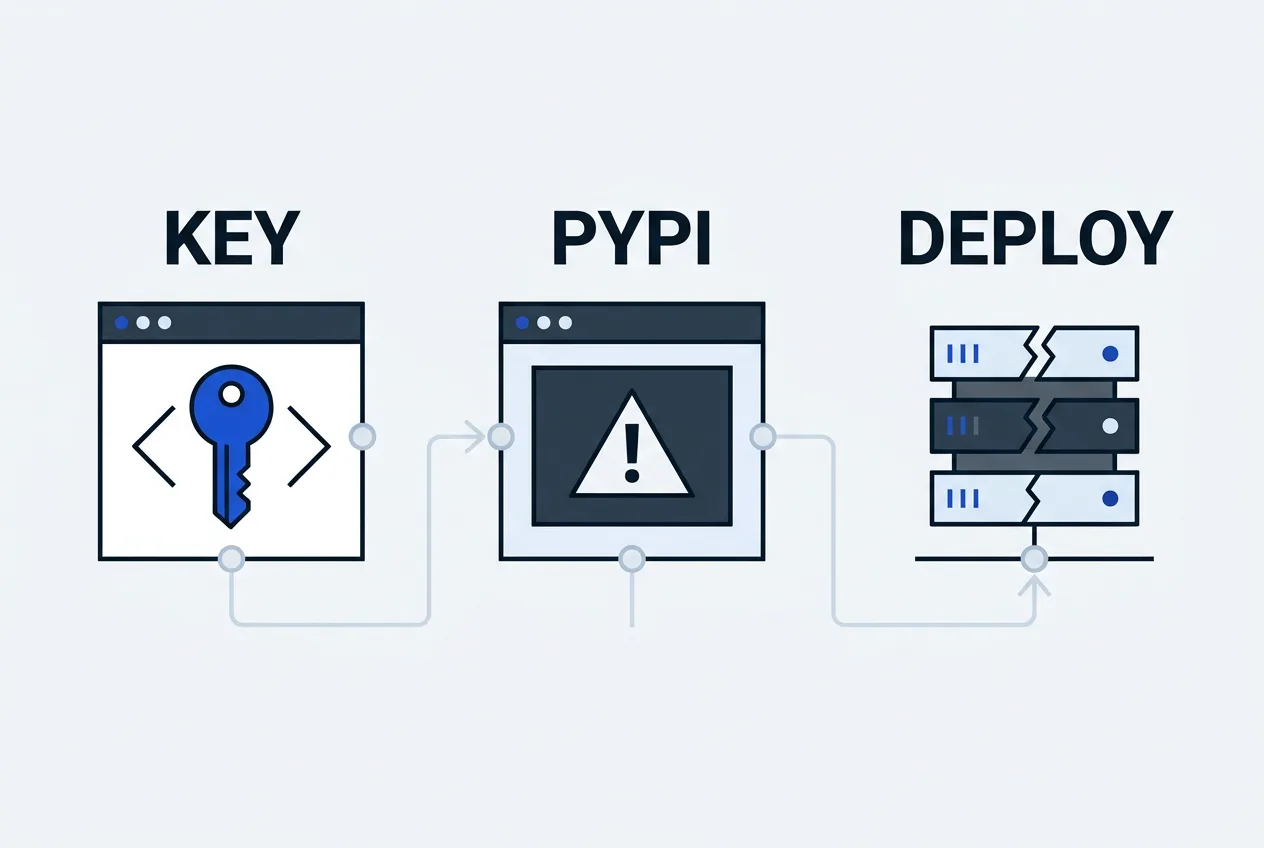
On October 21, the attackers used owner-level permissions to bypass branch protections, alter the private release workflow, and point it at a malicious fork. The tainted build was approved and published before logs were partially deleted. This incident marks the second supply-chain event for LiteLLM in 2026; an earlier compromise affected versions 1.82.7 and 1.82.8.
Enterprise private releases and the official GitHub source tag for v1.107.0 were not modified. PyPI quarantined the malicious wheel, and Docker tags were repointed or removed. All involved tokens were revoked.
Remediation Steps and Recommendations
Organizations should pin LiteLLM to version 1.106.2 or an earlier explicit release. Any environment that installed 1.107.0 requires immediate inspection of site-packages for the three payload files and removal of any background processes they may have started.
- Rebuild containers and virtual environments from a known-good base image.
- Rotate all credentials that could have been collected, including cloud IAM roles, database passwords, and API keys.
- Review access logs for post-exfiltration activity such as AWS credential validation attempts.
- Monitor network traffic for connections to litellm.dev or similar lookalike domains.
The following table summarizes the timeline and affected artifacts.
| Event | Time (UTC) | Status |
|---|---|---|
| PyPI upload | 2026-10-21 11:39 | Quarantined |
| Docker tags affected | 2026-10-21 11:46 | Repointed |
| PyPI removal | 2026-10-21 13:23 | Complete |
| Docker cleanup | 2026-10-21 14:20 | Complete |
Users evaluating LiteLLM should verify the installed version against the official release history and maintain strict dependency pinning in production pipelines. Regular audits of CI secrets and repository access remain the most effective preventive measure against similar pipeline compromises.
Frequently asked questions
Is LiteLLM safe after the October 2026 incident?
Current official releases after 1.107.0 are considered safe provided users avoid the compromised version. Organizations must still verify installed packages and rotate any exposed credentials.
What did the LiteLLM 1.107.0 malware do?
The package installed three files that ran on every Python startup, collected browser data, SSH keys, cloud credentials, and AI tool tokens, then exfiltrated them to a lookalike domain.
How long was the malicious LiteLLM version available?
The tainted PyPI package remained live for approximately two hours on October 21, 2026, while affected Docker tags were available for roughly two and a half hours.
Should I rotate credentials after using LiteLLM?
Any environment that installed version 1.107.0 should rotate cloud IAM roles, provider keys, database passwords, and tokens that could have been accessed by the stealer.
TrustScope
Comments 4