
OVHcloud CLI review: Supply chain attack via GitHub account and current status
In short
OVHcloud CLI was targeted in an October 2026 supply chain attack that lasted 94 minutes. The incident affected specific releases, but v0.16.0 provides a clean path forward with verification options.
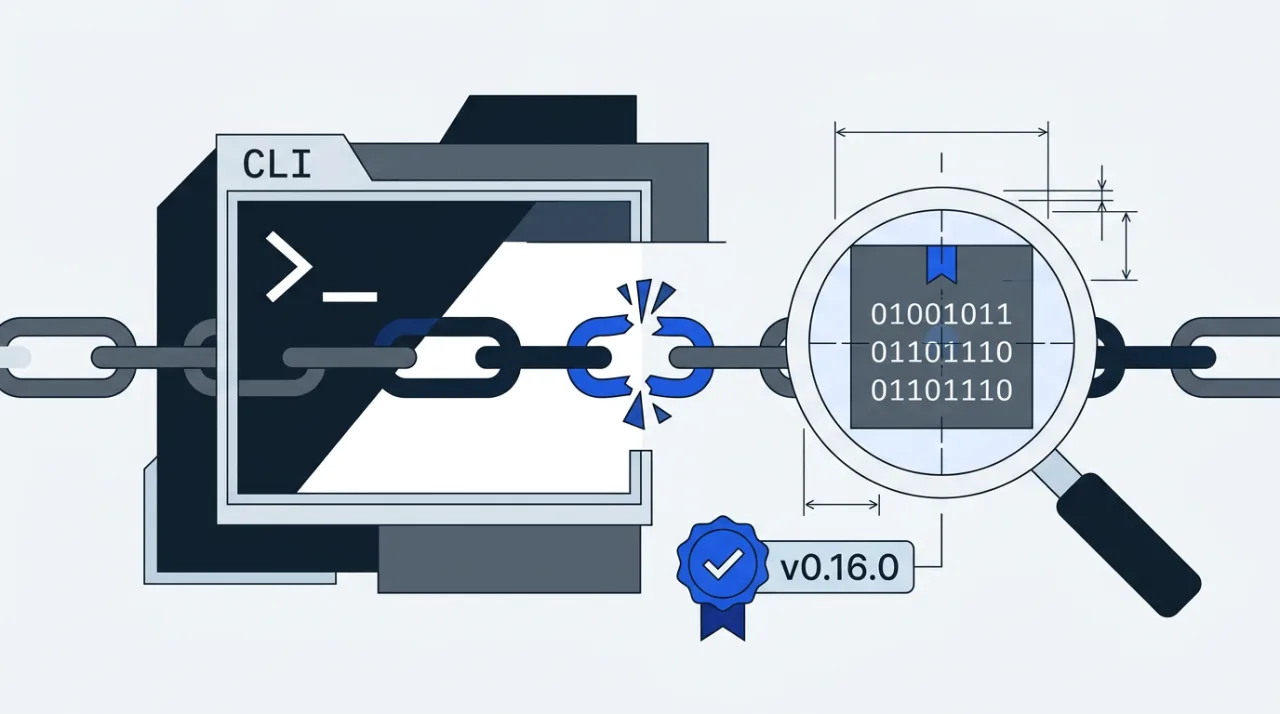
OVHcloud CLI review shows the command-line tool returned to normal operation after a brief October 2026 supply chain incident. Attackers used a compromised GitHub contributor account to swap binaries in five releases for roughly 94 minutes on October 19. Current users should install only v0.16.0 and verify signatures where possible.
Details of the October 2026 OVHcloud CLI supply chain incident
On October 19, 2026, a compromised contributor account named HassenBF allowed attackers to edit release assets directly through the GitHub Releases API. The malicious binaries replaced legitimate files in versions v0.11.0 through v0.15.0 while leaving source code, tags, and CI/CD pipelines untouched. The altered assets remained available for approximately 94 minutes between 12:47 and 14:21 UTC.
Detection occurred when a user’s pinned SHA-256 check in CI failed. The issue was reported publicly as GitHub issue #300. OVHcloud removed the malicious files at 14:21 UTC and published v0.16.0 the same day at 17:16 UTC as an immutable release with a signed tag and attestation. Only around 250 downloads occurred during the exposure window.
The malware consisted of a secret-stealing binary built from a later commit. It targeted cloud credentials, SSH keys, configuration files, and AI-agent stores on disk. OVHcloud founder Octave Klaba stated that affected users should rotate all secrets stored on their machines. Researchers noted possible links to prior account compromises dating to March 2026, though OVHcloud has not confirmed attribution.
Current safety assessment and affected versions
OVHcloud CLI security improved after the incident through immediate application of release immutability settings across repositories. Versions v0.10.0 and v0.16.0 remained clean throughout. Builds obtained via source compilation, go install, or certain Docker images were never exposed. The attack was limited to direct downloads from GitHub Releases, the install.sh script, and unpinned installation methods on macOS, Linux, and Windows.
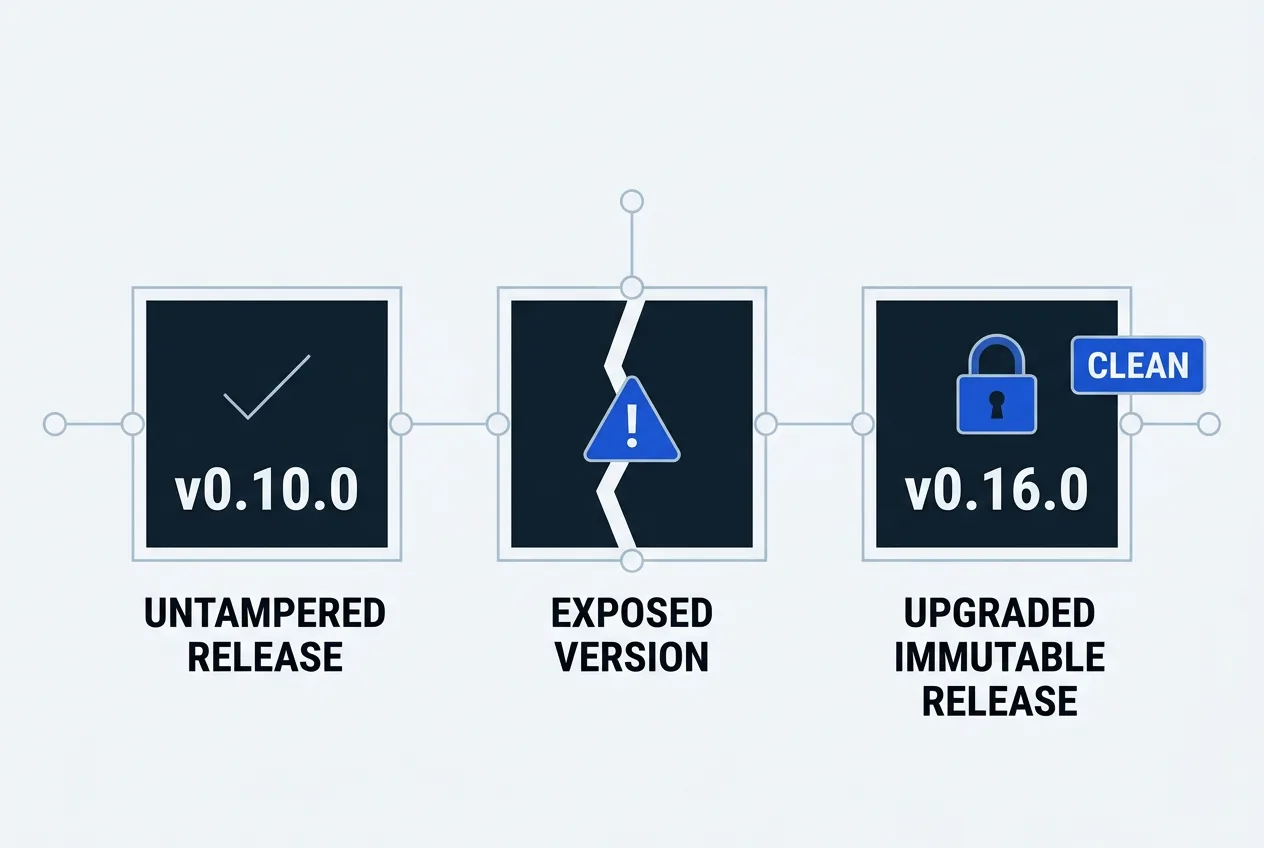
Users who downloaded during the 94-minute window face the highest risk. Everyone else can safely proceed with v0.16.0. No additional incidents have been reported as of November 11, 2026. The root cause was the absence of immutable release settings on the repository, a configuration that OVHcloud enabled immediately after the event.
| Version | Status | Release Period |
|---|---|---|
| v0.10.0 | Clean | Before April 2026 |
| v0.11.0–v0.15.0 | Compromised window | April–September 2026 |
| v0.16.0 | Clean, immutable | October 19, 2026 |
OVHcloud published advisory GHSA-862f-55f5-vmvw and communicated updates via its founder’s account on X. A full post-mortem has been promised but remains unavailable in public sources.
Practical steps to verify and secure an OVHcloud CLI installation
Download the latest release from the official GitHub repository and confirm the tag signature using the gh release verify-asset command when available. Reinstall from v0.16.0 rather than upgrading in place if any prior version was used during the exposure period.
Users who ran an affected binary should rotate every credential that the tool could have accessed, including cloud provider keys, SSH private keys, and stored configuration tokens. Perform the rotation from a separate clean machine to avoid re-exposure. Organizations with automated pipelines should add checksum pinning and signature verification to prevent similar future issues.
Install methods that bypass the compromised release assets, such as building from source or using go install with module verification, remain unaffected. Homebrew installations require confirmation of the specific tap configuration used. Regular checks of the GitHub advisory page and release notes provide ongoing assurance that no new tampering has occurred.
Frequently asked questions
Which OVHcloud CLI versions were affected by the October 2026 incident?
Versions v0.11.0 through v0.15.0 contained the malicious binaries for roughly 94 minutes on October 19. Version v0.16.0 and earlier v0.10.0 stayed clean throughout the event.
How can users confirm they are running a safe OVHcloud CLI build?
Install v0.16.0 from the official GitHub releases page and use gh release verify-asset to check signatures. Source builds and go install methods were never altered during the incident.
What actions should follow if an affected version was used?
Rotate all credentials the binary could access, including cloud keys and SSH keys, from a separate clean system. Reinstall v0.16.0 afterward and monitor for unusual account activity.
Did the attack impact OVHcloud services beyond the CLI tool?
No. The compromise remained limited to five releases of the ovhcloud-cli repository on GitHub. No other OVHcloud codebases or production services were involved.
TrustScope
Comments 13